
 Helm
A compliance portal
Helm
A compliance portalby Luma Legal
Your company, in one place.
Helm reads the forms your company already lodges and turns them into a live compliance record. Placement capacity, deadlines, registers and board reporting, current to the last document you dropped in.
- Set up from forms you have already lodged, in about half an hour
- Built by a corporate and commercial law firm, not a software house
- Every figure names the document behind it
- Your data stays in your own browser
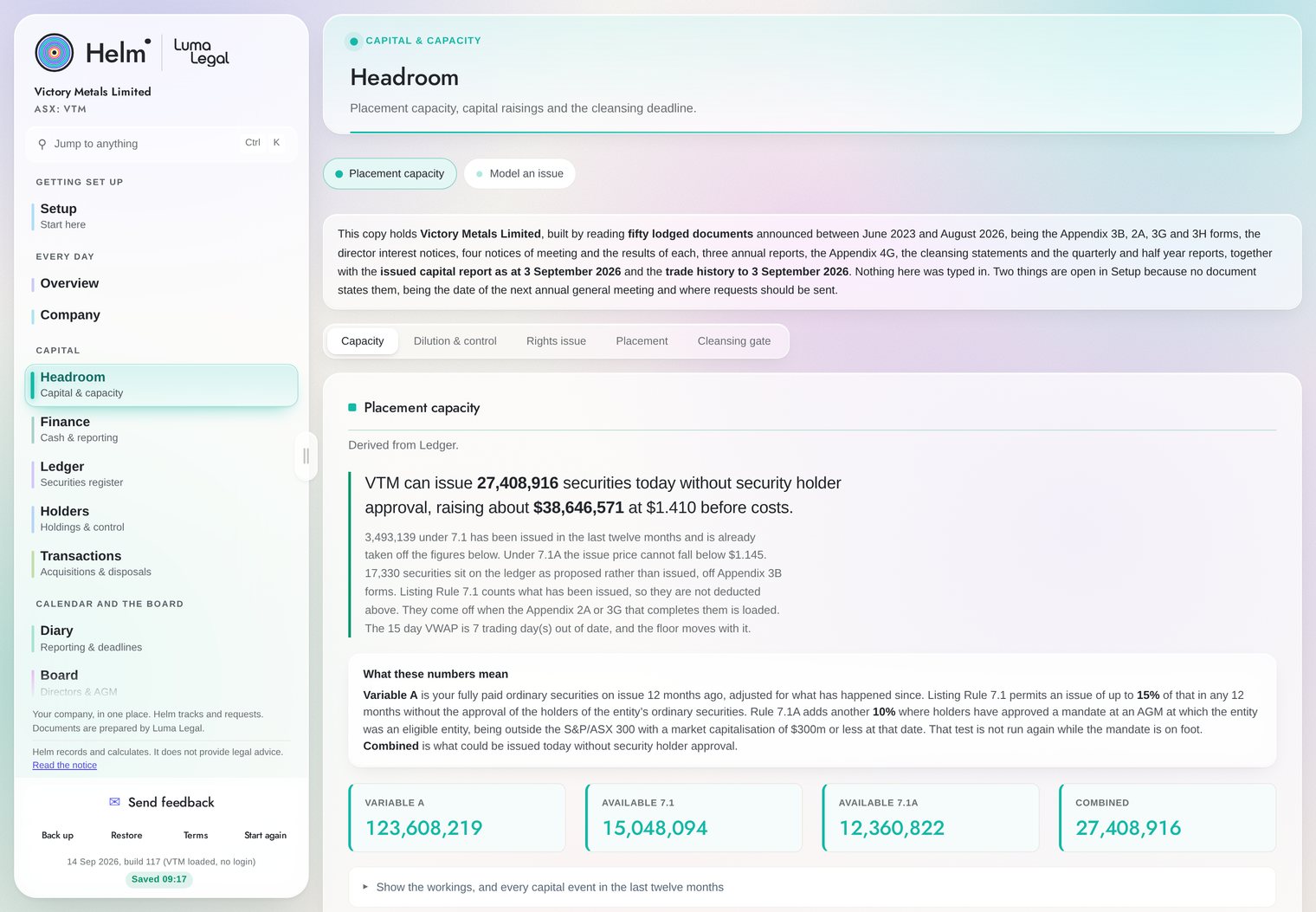
Placement capacity, worked out in front of you.
Listing Rule 7.1 runs on a rolling twelve month window. Helm holds that window, applies the limb each issue was actually made under, and shows every line of the arithmetic against the form it came from. It states the number a company secretary would otherwise work out by hand.
An Appendix 2A never states the limb. The Appendix 3B it completes does, at Part 7D.1. Helm reads the two together, which is the difference between a capacity figure that is right and one that is only plausible.
One screen for the whole entity.
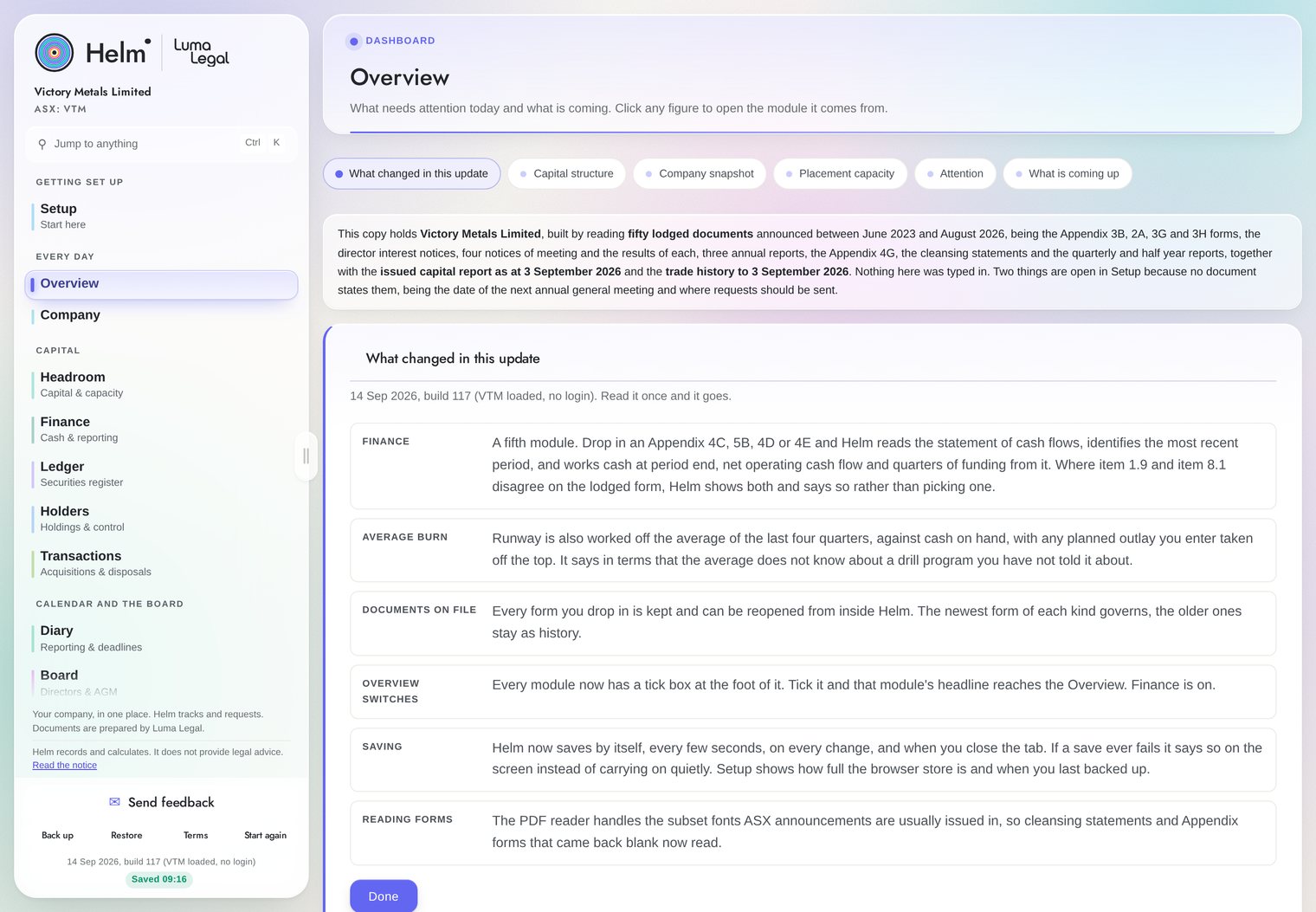
The Overview shows what needs attention today and what is coming, and every figure links back to the module it comes from. It is built from the fifty documents the company has already lodged, not from anything keyed in by hand.
Compliance does not scale with the size of the team.
The Corporations Act and the Listing Rules apply in full to every listed entity, and the deadlines are the same length for everyone. None of it is difficult, and all of it is easy to miss, and the difference is that a miss is published.
It reads the forms you already lodge.
Drop in the document, review what it found
Drag in the PDF you lodged, whether that is an Appendix 2A, 3B, 3G, 3H or 4G, a director's interest notice, a substantial holder notice, a cleansing statement or the annual report. Helm reads it, updates the register, recalculates your capacity and moves the affected deadlines. You review what it found and approve it before anything is saved.
- A guided setup page that names each form and the order to load it in
- Nothing is keyed twice, and nothing is saved until you accept it
- Every figure names the document behind it
What it deliberately does not do
- It does not give legal advice
- It does not draft your documents
- It does not lodge anything with ASX
- It does not decide a Chapter 11 or a related party question
Where the answer needs a lawyer, Helm queues a scoped instruction to Luma Legal with your current figures already in it.
Seventeen modules, seven headings, one entity.
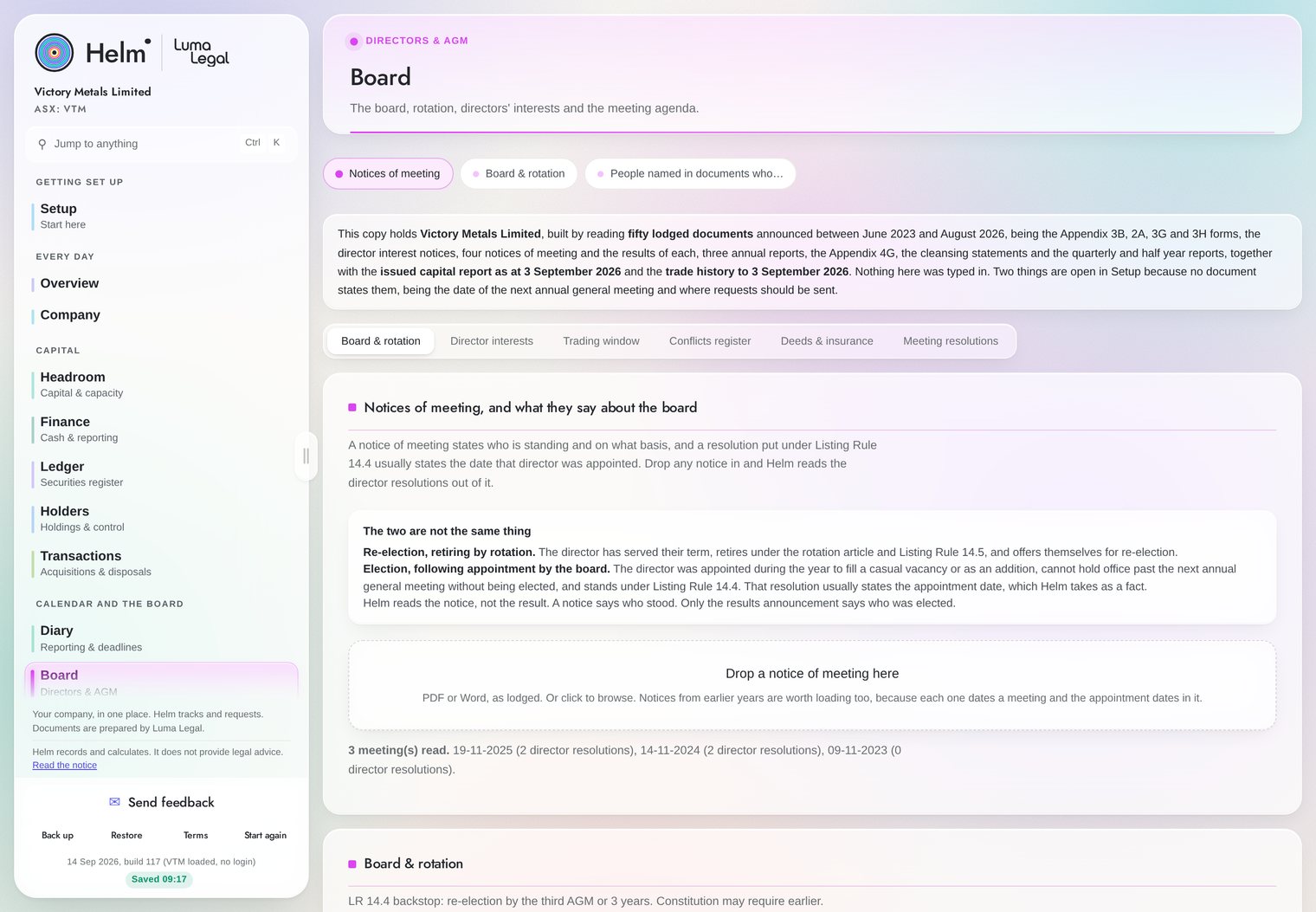
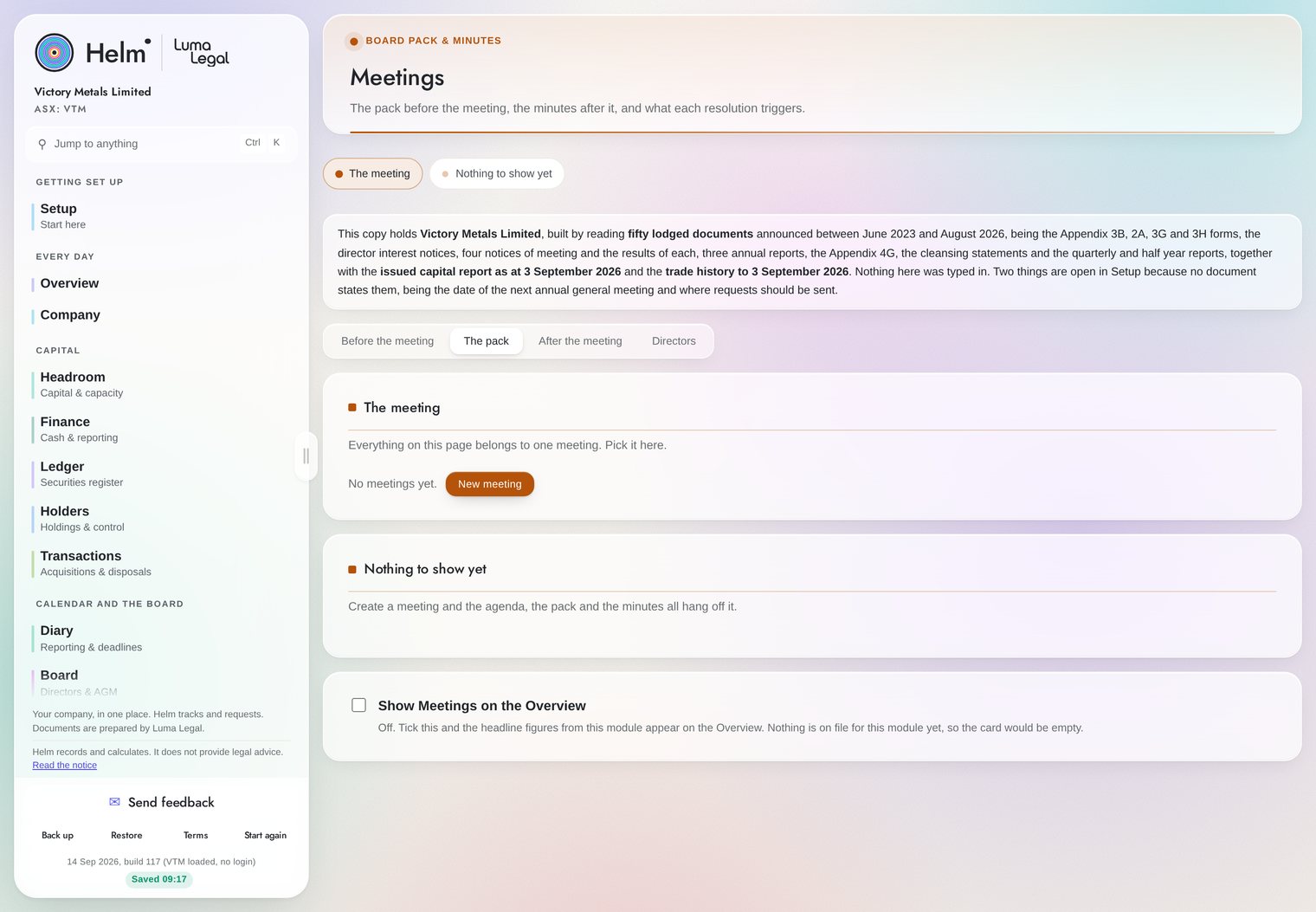
Setup gets the entity loaded from forms it has already lodged. The rest answer the questions a company secretary gets asked, and every one of them reads from the same record. Each module carries its name, what it holds, and its own colour.
Swipe, drag, or use the arrows. Seventeen modules across seven headings.
Every module reads from the same record.
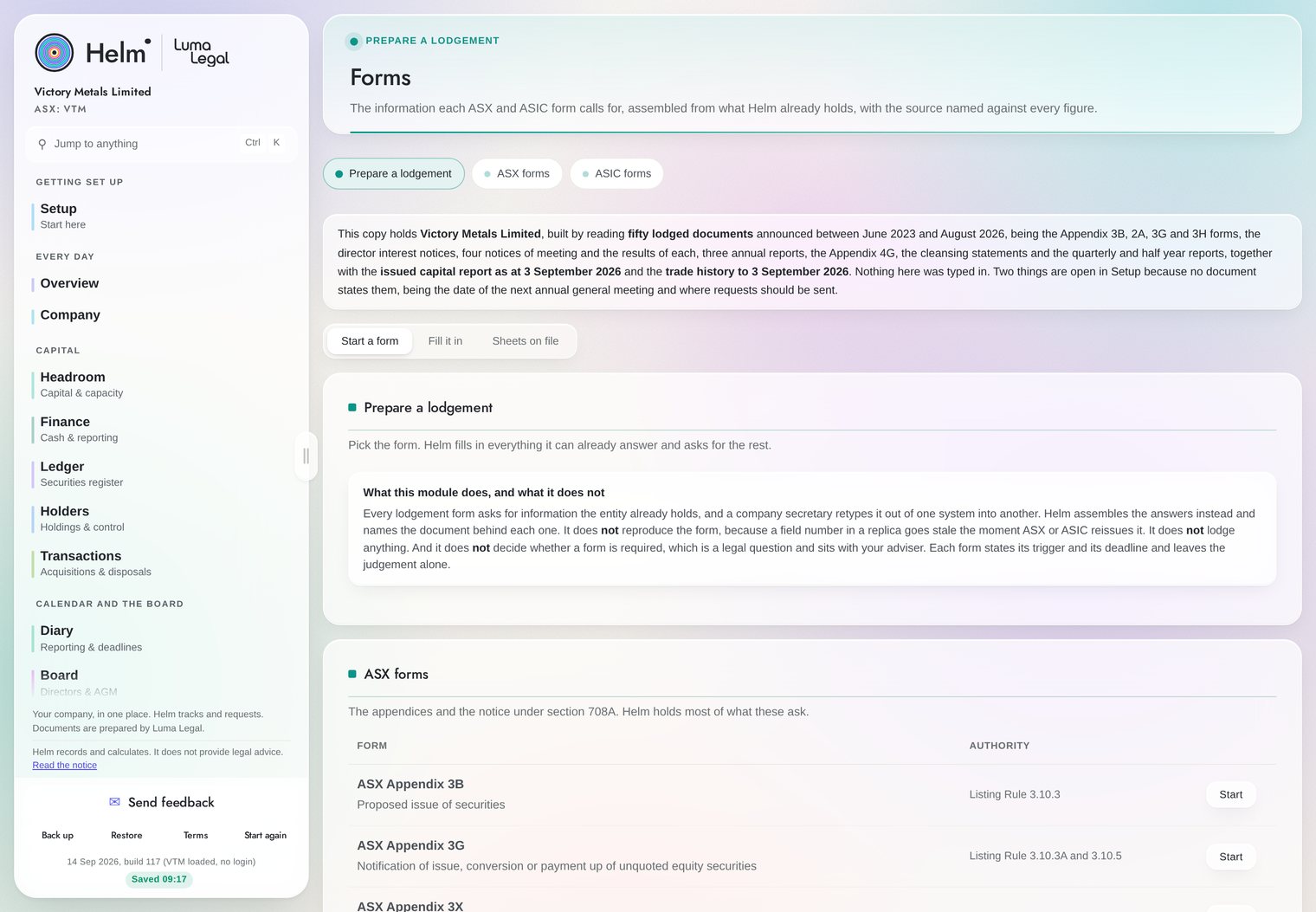
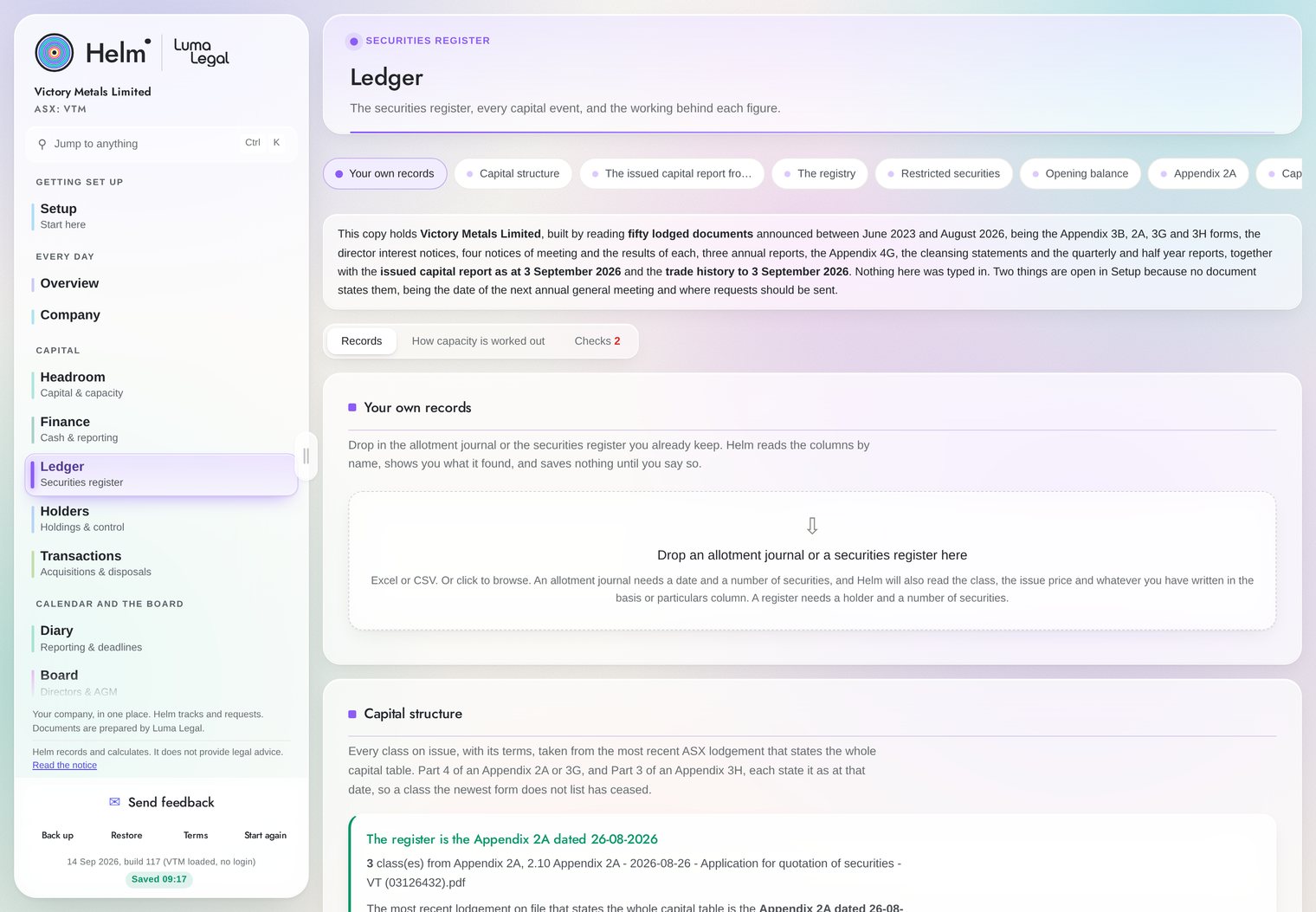
Made for the person who has it open all day.
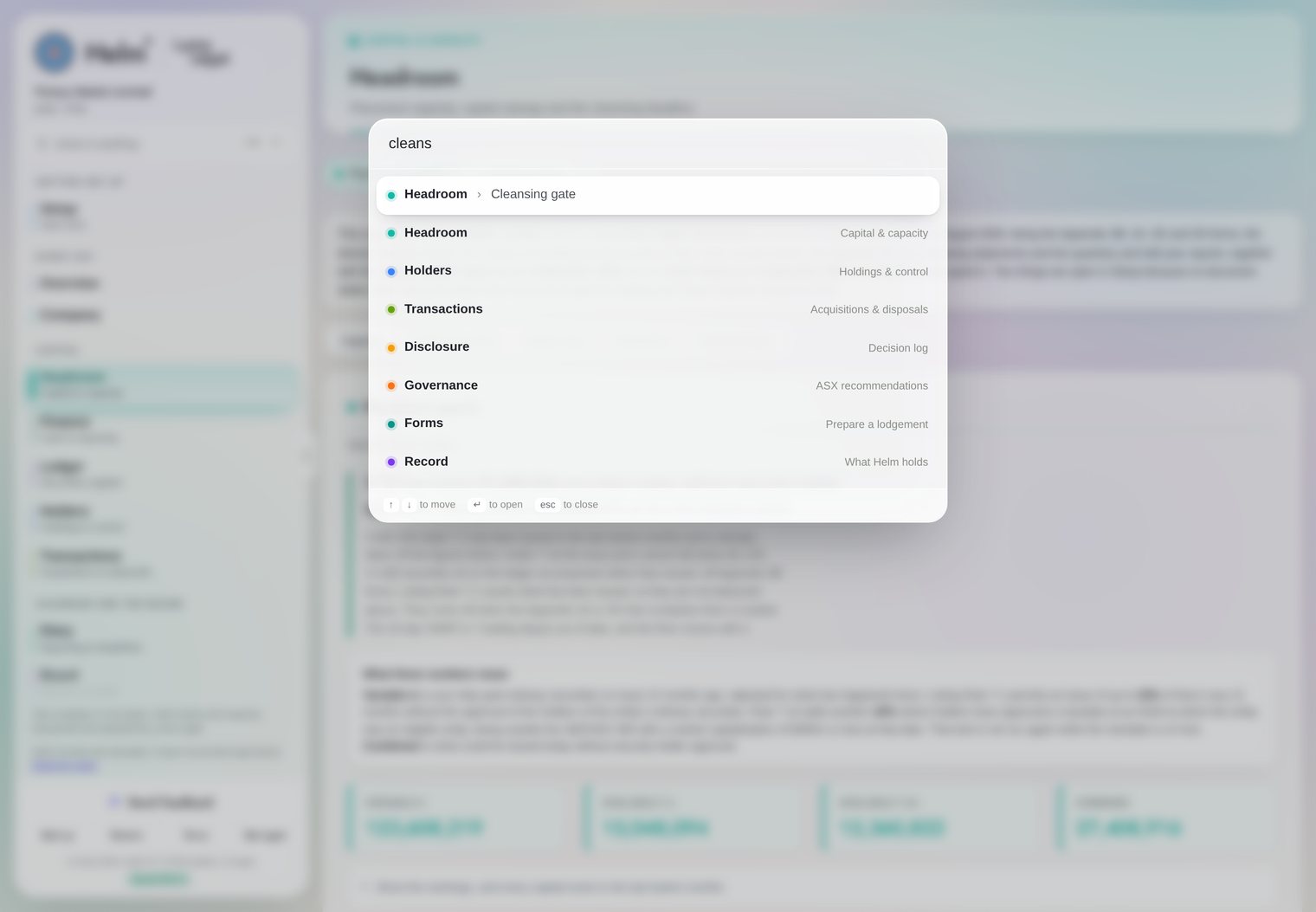
Reach anything in two keys
Press CtrlK and reach any of fifty one destinations, including every tab inside every module, by typing part of the name.
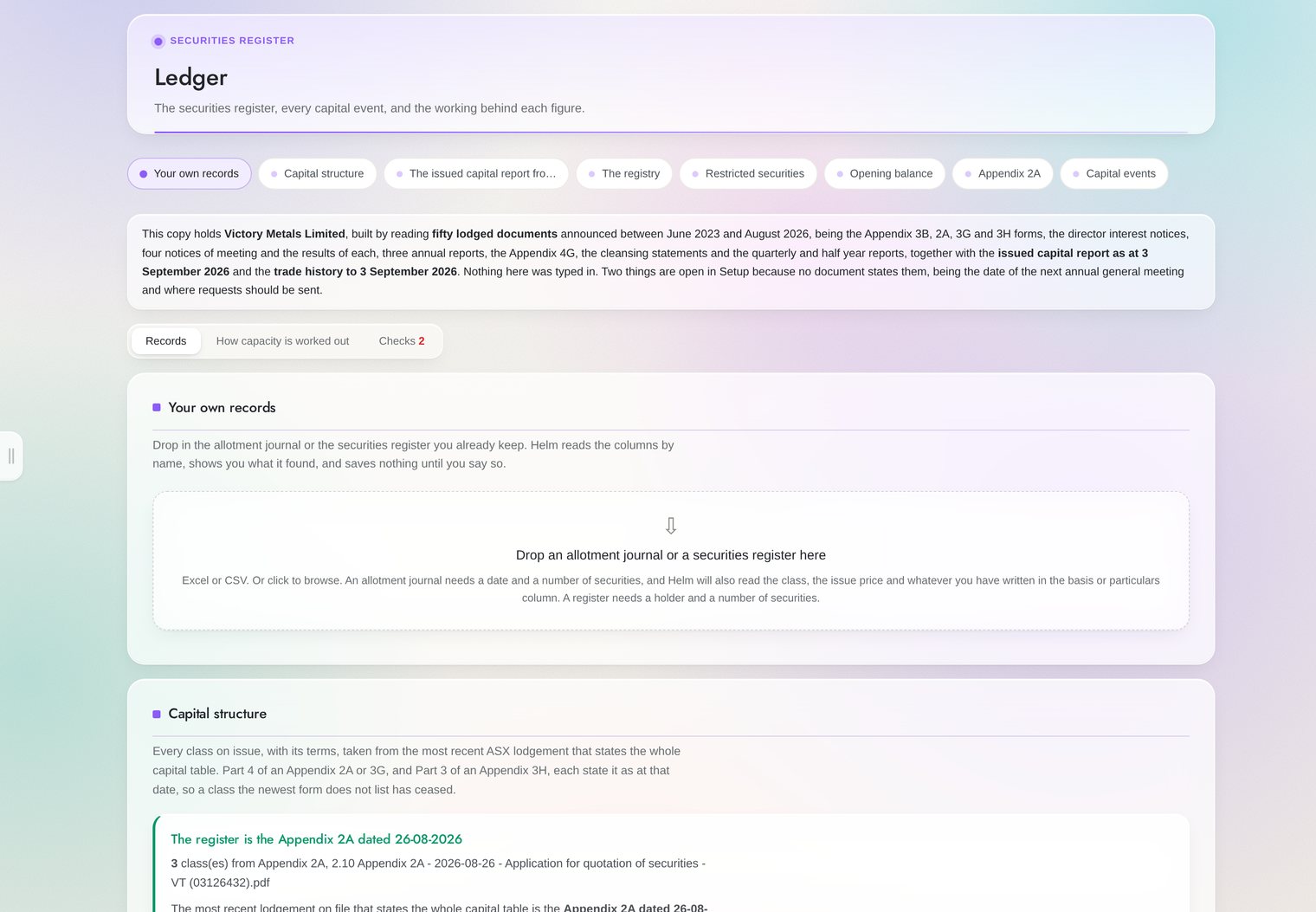
Fold the list away
The module list folds away and gives the width back, for a long register or a board pack. Use CtrlB, or the pull on the edge of the panel.
One translucent surface
The whole surface is built on a translucent material, so what is chrome and what is content separate without a box drawn around everything.
Legible by measurement
Every label on every screen was measured against the accessibility contrast standard, and the secondary text was darkened until it passed.
Every watch item names its authority.
Nothing in the portal runs on a rule of thumb. Every obligation carries the section or the listing rule it comes from, so anyone who asks can check the working.
A snapshot to put in front of the board.
Helm produces a board ready snapshot straight from the browser, covering capacity, capital structure, what is coming up and what needs a decision. It is set out in plain words rather than colour coding, so it reads the same printed in black and white as it does on a director's phone.
Helm watches. Luma Legal advises.
The portal carries the record, and the firm carries the judgement. Helm stops short of the judgement calls on purpose, because a percentage produced by software gets relied on as an answer, and a Chapter 11 or a Chapter 2E question is not arithmetic.
Something happens
An issue of securities, a notice, a proposed acquisition, or a deadline coming into range.
Helm sees it
It reads the form, updates the register, recalculates the effect and flags what it means.
You decide
Handle it in house, or queue a scoped instruction for the firm.
Luma Legal advises
Your current figures are already in the instruction, so nobody has to go looking for them.
It stays where you put it.
A governance product holds price sensitive information before the market does, and that shapes every decision about where the data sits. In the evaluation build every figure stays in your own browser on your own machine, so Luma Legal cannot see what you enter. Back up to a single file that you keep, and restore it onto any machine in seconds.
The platform, in thirteen slides
Register your interest.
Bring an Appendix 2A, an Appendix 3B and your last annual report. Helm will be running on your own figures before the meeting is over.
- A walkthrough on your own entity, no obligation
- An evaluation licence while you decide
- Set up and data loading handled by us
Prefer email or a phone call? admin@lumalegal.com.au